What an agent is, mechanically
Our second granted patent describes the machinery under a video agent: a template, a set of filters over detected objects, a zone and an action, with a trace of every step so you can see why it fired.
When a customer says they "created an agent", what actually got created? US 12,731,400, granted on September 8, 2026, is the patent that spells it out. It is the infrastructure under our agents and under event detection generally. This post walks through what the public filing says.
The problem with motion
The monitoring centres we worked with ran on motion detection. A camera saw pixels change, an alert went into a queue, and the next free operator looked at it. Almost all of it was nothing. The people watching wanted a small number of specific things: a forklift too close to a person, a customer waiting at a kiosk with nobody attending, someone going over a fence. Motion cannot express any of those, and a bespoke detector for each was out of reach for most sites.
The vocabulary
The filing defines a handful of terms.
An event is a predefined situation we want to catch. A trigger is a condition that, when satisfied, is said to be activated. A trigger combination joins triggers with logical operators. An action is what happens when the event occurs: a notification, a floodlight, a horn, a spoken message, an API call. An agent is a program that watches for a trigger or a combination and performs the actions. An event template is a pre-configured agent with triggers and actions the user can adjust. A zone is an area the user draws in a camera's view, or that the system proposes.
Creating an agent means choosing a template or starting blank, picking cameras, defining the trigger and adding actions.
From pixels to rows
Cameras stream to the recorder on site. Detection models on the recorder find objects in each frame, draw bounding boxes and record attributes: class, colour, position, vehicle type, licence plate. Positions are checked a few times per second so movement and speed can be computed. Objects go out of view and come back, so the pipeline re-identifies them to keep a consistent identity across frames. Attributes that flicker under changing light, a shirt reading yellow in one frame and blue in the next, are settled by majority vote across frames and cameras before anything is written down.
What gets written down is a row per detection in a table, with a separate table for sensor data such as door state or badge reads. Triggers then become queries over those tables, executed on a schedule as each new segment of video lands. A combination trigger runs as one query per condition and the results are combined afterwards, which keeps each query simple and lets a customer with many locations run a single query across all of them.
Absence is the awkward case. A row can be missing because nobody was there or because there was no data. The filing's answer is to run the positive query and invert the result within the window and camera in question, which distinguishes "not seen" from "not recorded".
Three worked examples
The filing walks through three templates.
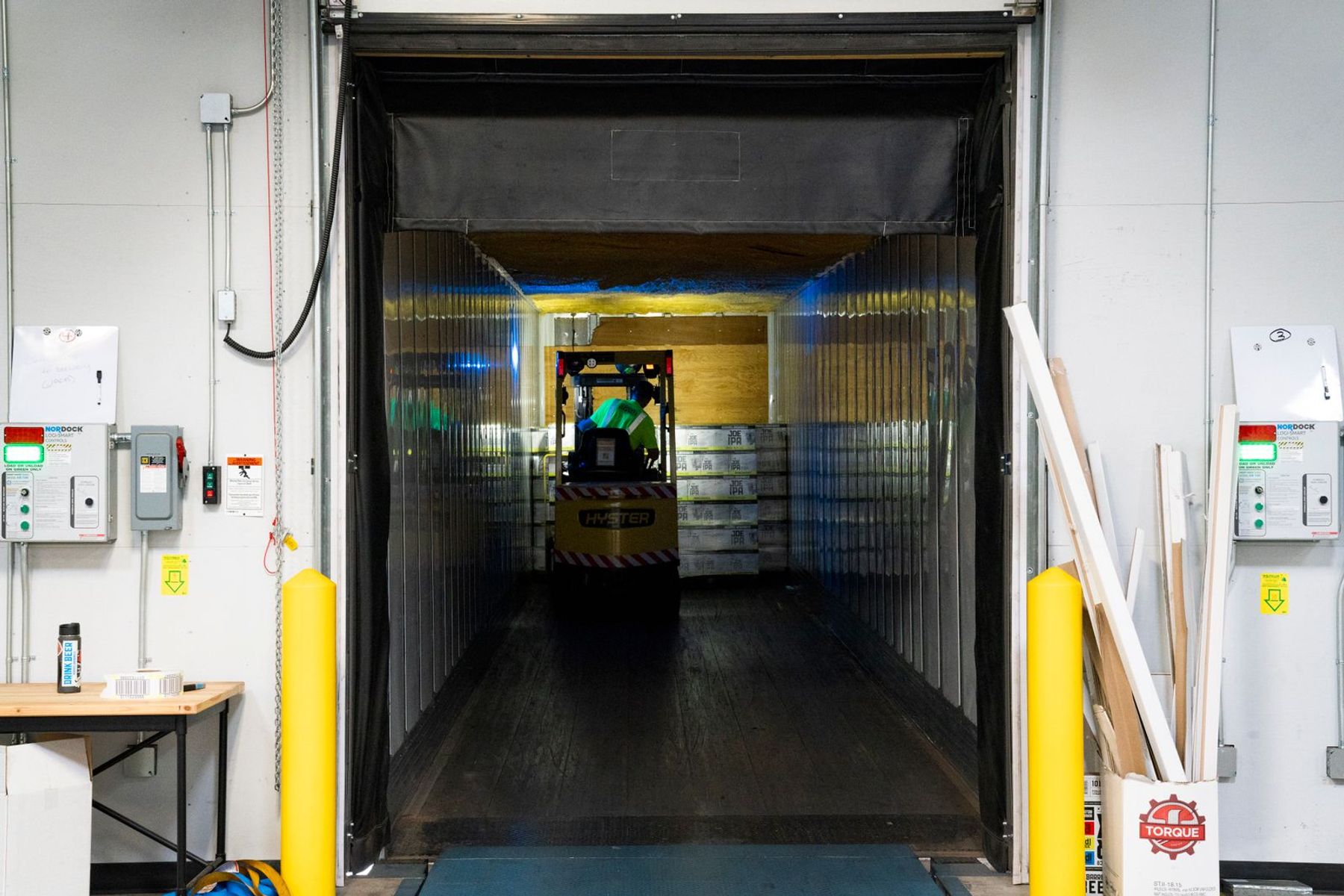
Forklift near miss: filter frames for people and for forklifts that are moving, then apply an overlap filter between a person's box and a forklift's box. The movement condition matters. Without it the agent fires every time someone walks past a parked forklift.
Unattended kiosk: filter for frames with a person or a car, apply an overlap filter between those objects and the kiosk zone, then apply a count filter so the event needs at least one car and a presence that persists. The configured trigger in the filing reads "Vehicle Idle AND Person Not Attending Kiosk".
Fence jumping: filter for moving people, apply an overlap filter between the person and the fence zone, then apply a position filter that checks whether the centre of the person is above the centre of the fence. Above, below, left and right are all options in the editor.
Triggers can also take conditions from outside the video, such as a badge scan from an access control system, so "door opened without a badge" is expressible.
Why it fired
Customers asked the same question about every alert: why? The filing describes a trace kept for each event. Each stage of the pipeline writes a checkpoint with the elapsed time, a timestamp and a capture identifier, from the moment the event was detected to the moment the floodlight came on or the email went out. The trace confirms the action happened, which matters to an IT director at a school who needs to know a lockdown message actually went, and it measures latency at each stage, inference, transmission and action, so we can see where the time is going.
On the video itself, the agent draws the zone and the boxes that satisfied the trigger, and only those. A box changes colour when its rule is violated. In a crowd around two people fighting, the two are marked differently from the crowd.
What did not work
The filing is candid about the failure modes that shaped the design. Motion as a trigger produces queues of nothing. An empty query result looks like absence but may only be missing data; that is where the inverted query came from. Attributes read from a single frame flip with the lighting, hence the majority vote. And an overlap between a person and a forklift only counts as a near miss when the forklift is moving, so the template carries the movement condition by default and the user does not have to discover it the hard way.
What shipped
The patent was granted on September 8, 2026, after a pre-grant publication on April 23, 2026. The inventors are Nathaniel Lee, Amrish Kapoor, Dunchadhn Lyons, Cameron Akhavan, Kevin Tajeran, Jordan Hart, Douglas Rogers and Lisa Heile. The template gallery on the first page of the patent lists what a user can start from: crowding, person of interest, people absent, fence jumping, running, forklift near miss, vehicle near miss, slip and fall, tailgating, person enters no-go zone, unattended kiosk, loitering, people, possible fall and unattended vehicle.